
How to Add Elements to Your Video
Add text, graphics, clips, and audio to your video to make your scenes more engaging and informative.
After editing your video clips, you can add more elements to customize the scene, including:
- Additional video clips
- Audio tracks, such as background music or voiceovers
- Graphics, including icons, illustrations, shapes, 3D elements, and stickers
- Text overlays, such as titles, headings, captions, and descriptions
Adding elements to the scene
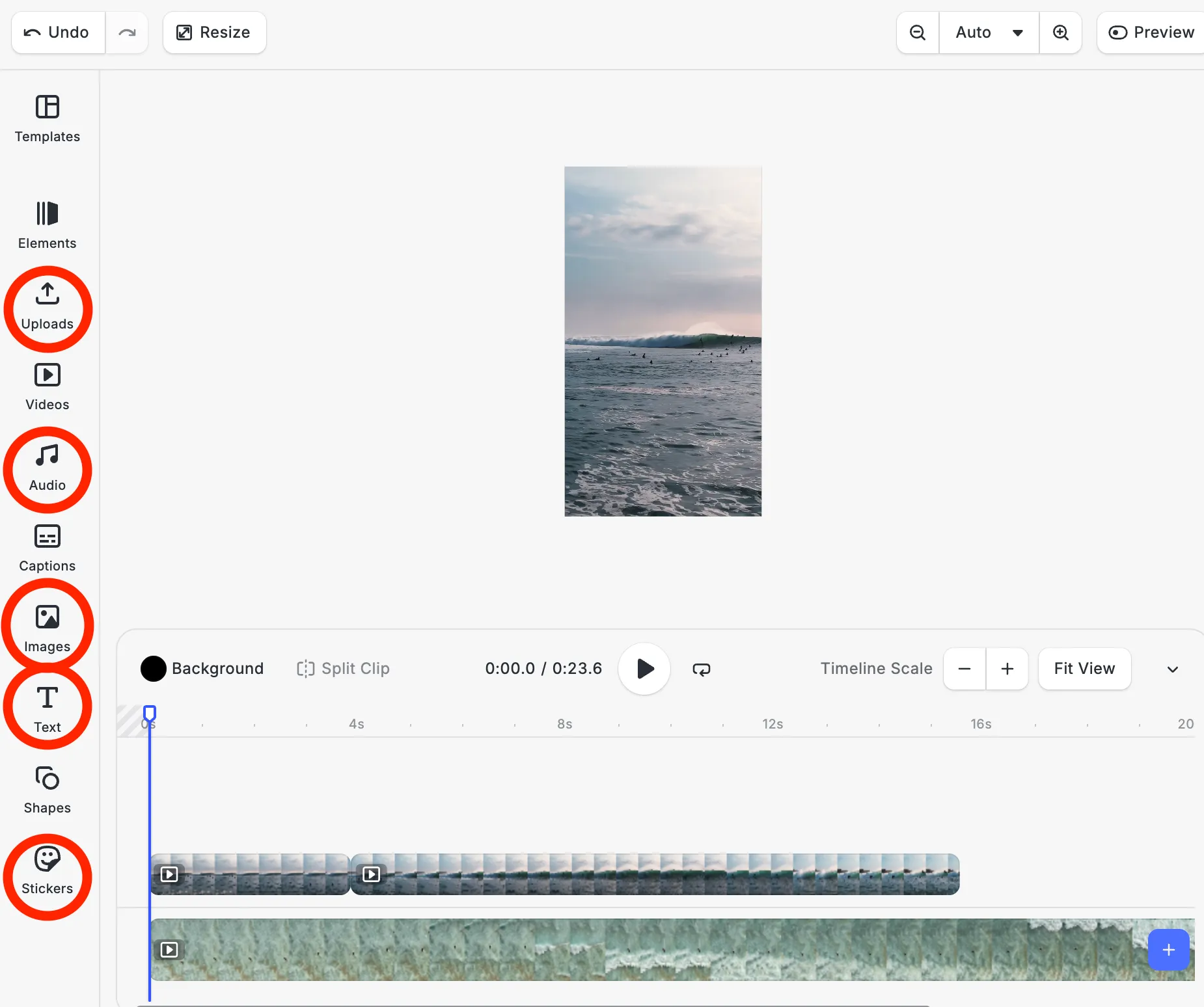
- Open your video project in the Pikto AI Video Editor.
- In the lateral menu on the left, select the type of content you want to add.
- Browse the available assets or options.
- Click an item to add it to your scene.
Each type of content is added automatically to its own track at the end of the timeline. For example, audio is placed on an audio track, while text and graphics are added as visual elements on the canvas and timeline.